

Thanksgiving is a great time to hit the road, enjoy the changing scenery, and reconnect with family and friends. And RV travel is part of that tradition for millions of Americans.
According to the RV Industry Association’s 2025 Holiday Travel Intentions Survey, approximately 9 million Americans planned to travel by RV during Thanksgiving. But between planning meals, checking campsites, and preparing for colder weather, one thing is easy to overlook: your internet connection.
A little preparation can make your Thanksgiving RV Road trip more enjoyable, especially when you rely on internet access for navigation, entertainment, work, or staying in touch with family.
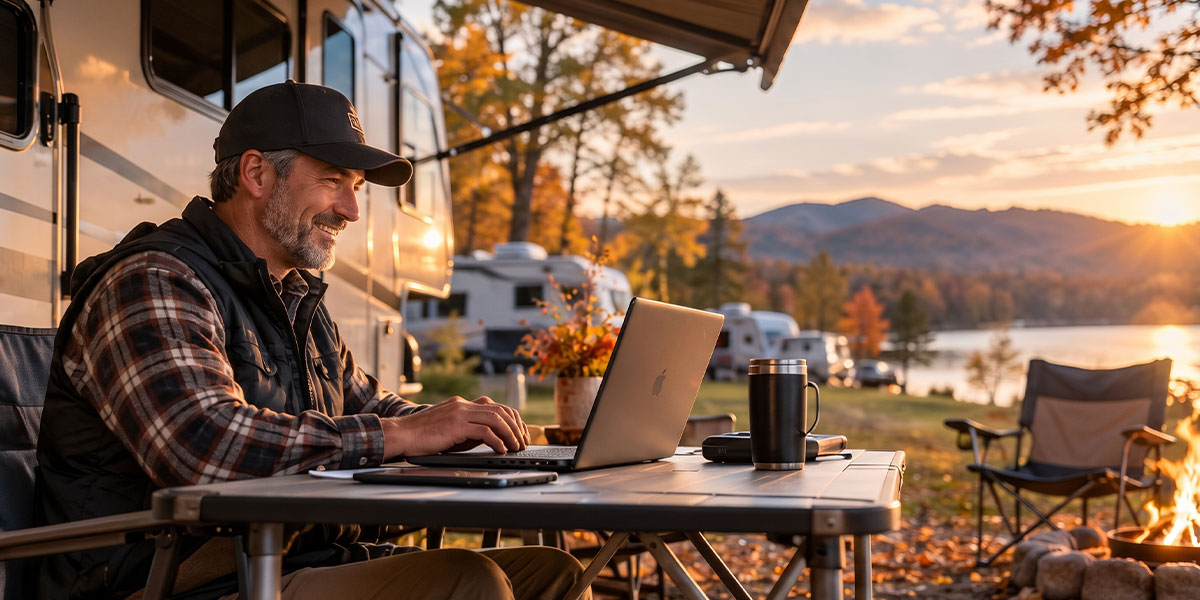
Before a Thanksgiving RV Road trip, check cellular coverage along your route, prepare your RV internet setup, download essential content for offline use, and test your connected devices. Having more than one available internet source can provide flexibility when coverage or campground Wi-Fi is limited.
What to Remember for Your Thanksgiving RV Road Trip
1. Check Internet Coverage Before You Leave
Not every scenic campsite comes with reliable cellular reception. Rural highways, wooded campgrounds, and remote destinations may have limited coverage.
Before your Thanksgiving RV Road trip:
- Review your carrier’s coverage map for your route and destination.
- Ask the campground about available Wi-Fi.
- Download offline maps for areas where service may be limited.
Carrier coverage maps are useful planning tools, but actual reception can vary depending on terrain, network conditions, and your equipment.
Check coverage before departure but prepare for areas where your primary connection may be unavailable.
2. Prepare Your RV Internet Setup
A smartphone hotspot can work well for occasional internet use. However, families travelling with multiple devices may prefer a dedicated network.
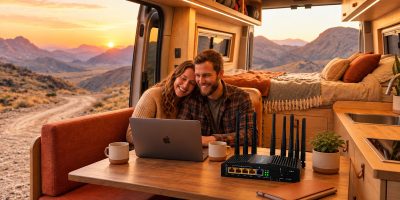
Routica Explorer Wireless Gateway Routers provide a shared Wi-Fi network for connected devices and support multiple internet sources, including cellular, Wi-Fi as WAN, and Ethernet WAN. Their configurable WAN priorities and automatic failover can help maintain connectivity when a configured connection becomes unavailable, and another suitable source is available.
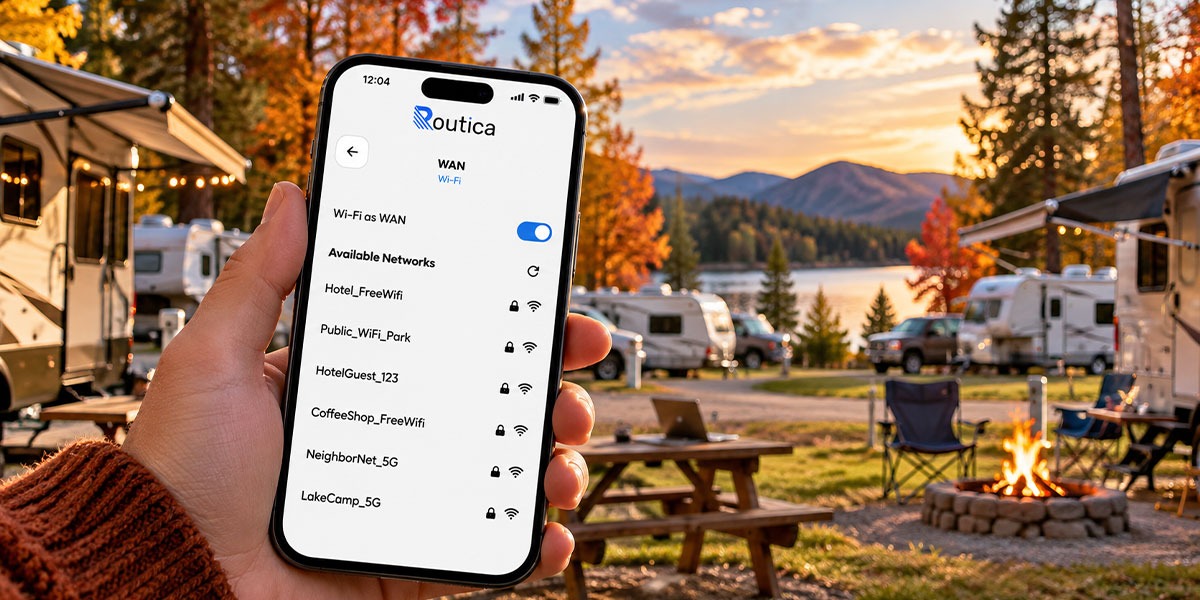
Before leaving, test your router, confirm your cellular data plan, and configure the internet sources you expect to use.
3. Download Entertainment before Heading Off-Grid
A rainy Thanksgiving afternoon inside the RV doesn’t have to mean everyone staring at a buffering screen.
With the Explorer’s USB Media Server, you can store compatible movies, music, and other media on a USB drive and stream them over your local Wi-Fi network without using cellular data.
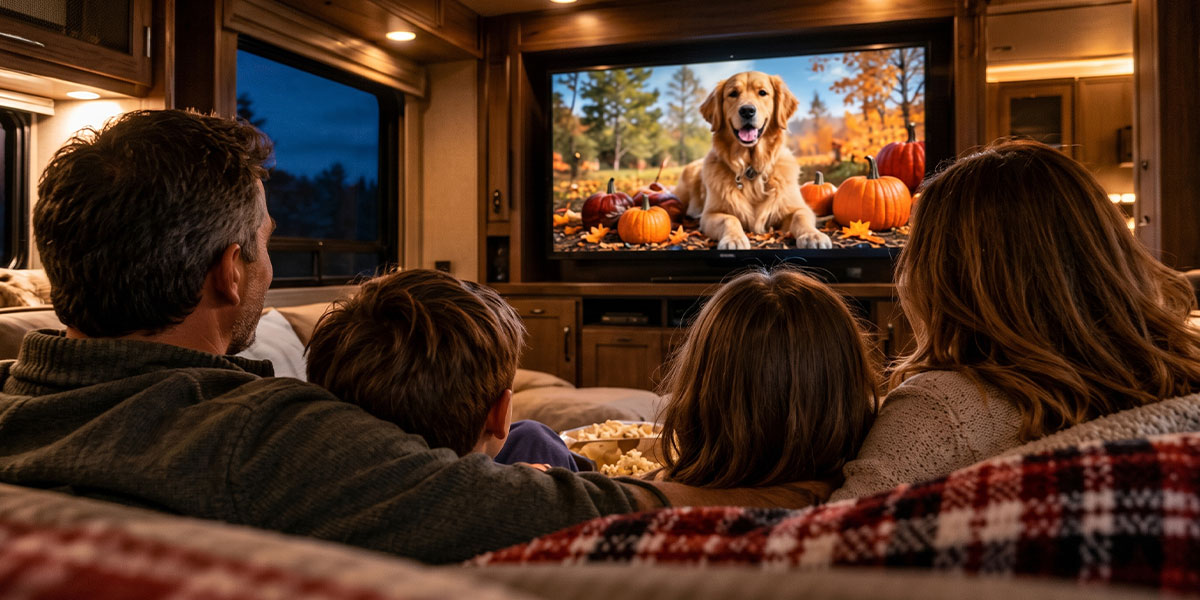
For your Thanksgiving RV Road trip, prepare a selection of family movies, holiday playlists, and downloaded entertainment before departure. Download entertainment in advance so your family can enjoy saved media even without an internet connection.
4. Keep Your Devices Ready for the Journey
Between phones, tablets, laptops, and smart TVs, an RV can quickly become a small, connected household. Before your Thanksgiving RV Road trip, check that your devices can connect to the RV’s Wi-Fi network and that essential apps are updated.
It’s also worth checking charging cables, power connections, and your router’s installation before hitting the road.
5. Share Your Thanksgiving Journey
For many RVers, Thanksgiving is about reconnecting with family, even when everyone can’t celebrate in the same place. Routica’s Trip Sharing feature lets you share journey information, including location updates and travel media, with family or friends.
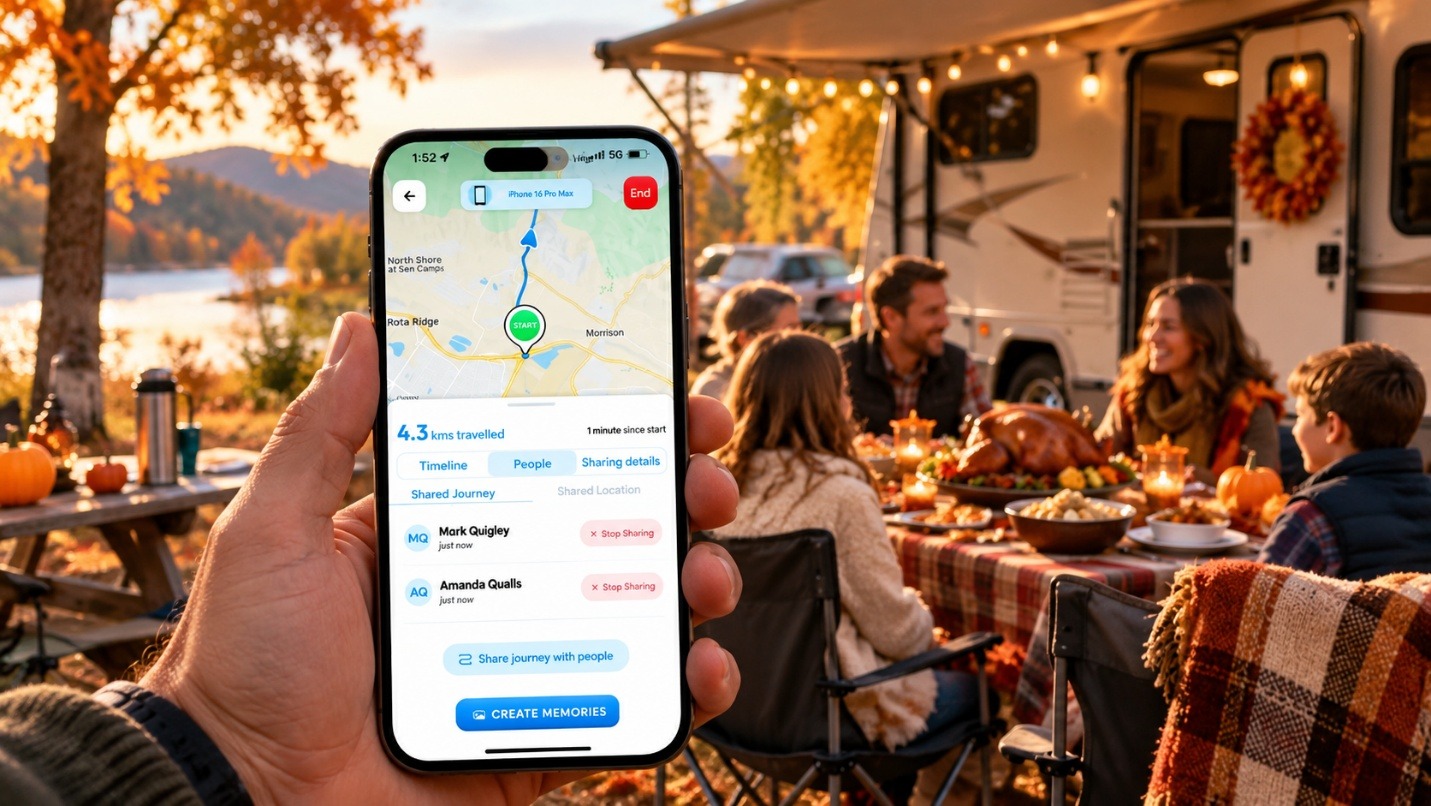
Whether you’re travelling across states or spending the holiday at a quiet campground, it offers another way to share your adventure when connectivity is available.
Frequently Asked Questions
Do I need a dedicated router for a Thanksgiving RV trip?
Not necessarily. A phone hotspot may be enough for occasional use, while a dedicated RV router can offer more flexibility for multiple devices and internet sources.
Can I use campground Wi-Fi with a Routica Explorer Router?
Yes. Wi-Fi as WAN allows the Explorer Wireless Gateway Routers to connect to an available campground Wi-Fi network and share that connection with devices on your RV’s network.
Can I watch movies in my RV without cellular service?
Yes. With compatible media files stored on a USB drive, the Explorer’s USB Media Server can stream them locally without an internet connection.
Summing Up
A successful Thanksgiving RV Road trip starts with preparation. Checking coverage, setting up your network, and downloading entertainment beforehand can help you spend less time troubleshooting and more time enjoying the holiday.
Explore the Routica Explorer Wireless Gateway Routers to find a connectivity setup that fits your travels.
Visit the Routica Store or explore available Routica products on Amazon.