Key Takeaways
-
Simple habits plus a travel ready router keep RV internet stable and worry free on every trip.
-
Routica Explorer routers add long range coverage, dual SIM flexibility, and offline media streaming for seamless RV travel.
A few simple habits can make RV Wi-Fi setup feel effortless so you can work, stream, and share the adventure without any fuss. They can make your RV connectivity calmer and more reliable which leaves you with less tinkering, more campfire time, and a setup that grows with your adventures. With the right tools in your rig, the entire online side of RV life feels smoother.
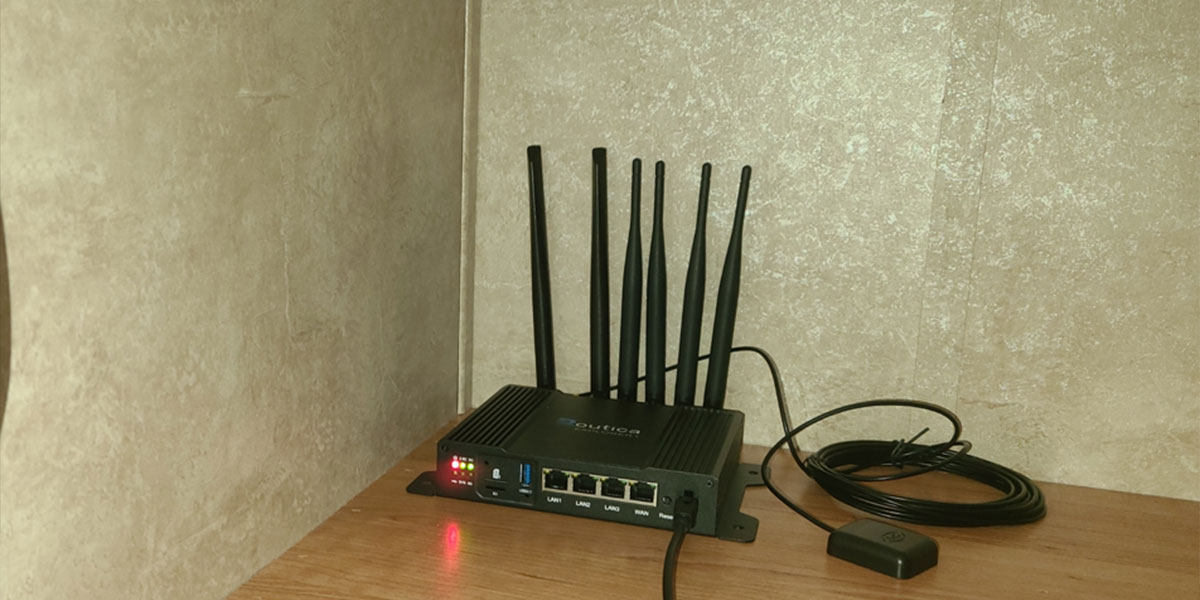
Since it is holiday season, and you might be planning your RV trip, these tips help your setup stay secure, organized, and ready for the road whether you rely on a hotspot or a travel router such as Routica Explorer Wireless Gateway.
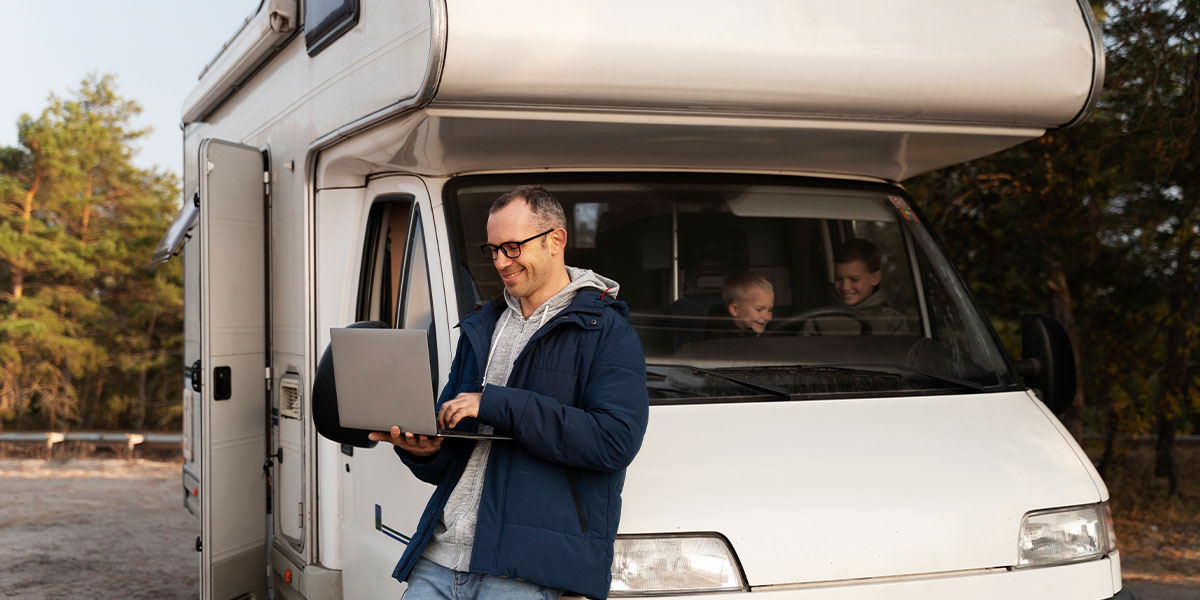
RV Wi-Fi Setup Tips for Your Holidays
Change Default Names and Passwords
Give your Wi-Fi networks fresh names and use strong, unique passwords for both Wi-Fi and the router’s admin page. Lock down guest access and turn off any networks you are not using. This matters when you are bouncing between public places and campgrounds.
Keep Devices Ventilated
Give your router space to breathe. Avoid tightly sealed drawers or crowded cabinets because heat can slow things down and shorten the device’s life. If your gear includes mounting options, place it where air moves freely and vents are never blocked.
Experiment with Device Location
Small shifts can make a big difference in your RV Wi-Fi setup. Moving the router away from metal appliances, keeping it out in the open, or placing it near a window can reduce interference inside your RV. Test a few spots on setup day and label the winner so you do not have to relearn it every time you travel.
Balance the Wi-Fi load
Spread devices across 2.4 GHz and 5 GHz. Put streaming TVs, laptops, and tablets on 5 GHz for smoother performance. Leave lower priority gadgets on 2.4 GHz. Use clear device names so you can quickly spot bandwidth hogs and pause anything non-essential during calls or uploads.
Check for Software Updates
Add a reminder to check for firmware updates a few times a year. Updates fix security gaps and often make your connection steadier. If your RV travel router can check automatically switch that on. It is still a good idea to read the release notes and avoid updating right before you hit the road.
Pre Download Entertainment
Build a small media pack before you leave home. Download movies, playlists, and podcasts so you are not burning through data at the campground. Rely on Routica’s Explorer Wireless Gateway routers when it comes to enjoying offline entertainment.

Using USB Media Server, built into the router, you can plug in a USB drive loaded with your favorite shows, movies, or music. Everyone in the RV can browse and stream that library on their connected devices. It keeps working even when you are completely offline, which makes it a great companion for long drives or those quiet winter evenings.
Plan for Flexible Data
Choose a cellular data plan that matches your travel rhythm. Weekend travelers can get by with modest caps while full timers and remote workers often need higher or unlimited tiers. What really makes RV life easier on the road is having a setup that can adapt when coverage changes from one region to another.
Routica Explorer II comes with dual SIM support, which means you can carry two data plans at the same time. You can insert SIM cards from the same carrier or mix different carriers depending on where you plan to travel. The RV router uses your primary SIM for everyday data, and if that signal weakens, drops out, or becomes too congested, it quietly switches to the secondary SIM without interrupting your connection.
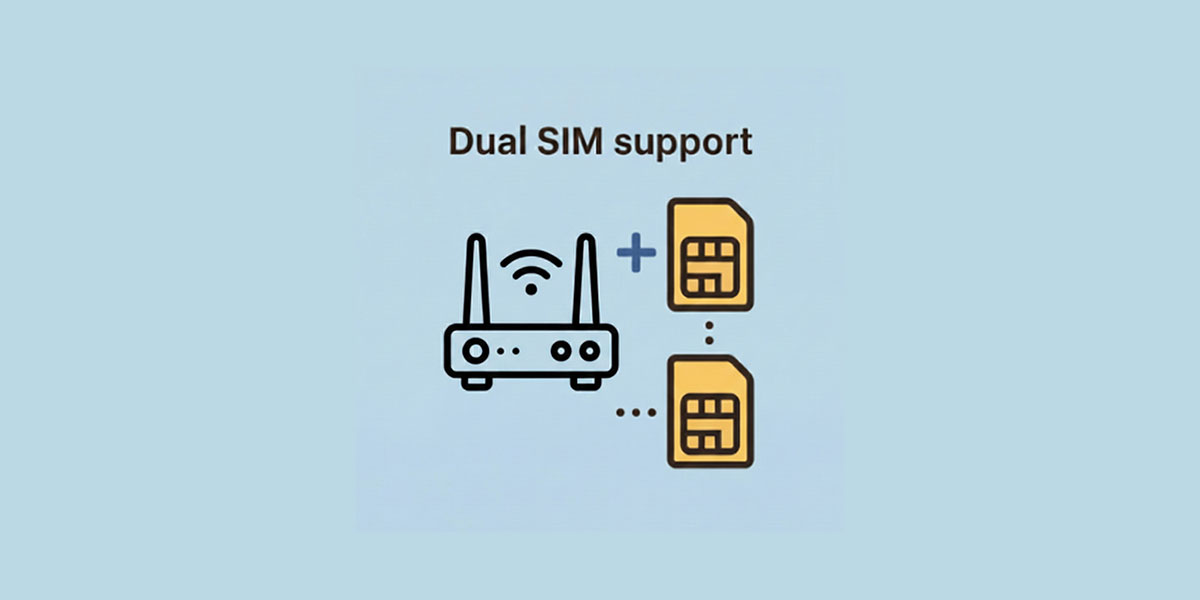
For RV travelers moving through spotty coverage areas, having automatic failover between WAN failover interfaces becomes a quiet lifesaver. The Routica Explorer II can switch from one connection type to another. For example, Ethernet to Wi-Fi or Wi-Fi to cellular, so you stay online with far less effort. It also supports dual SIM and eSIM, giving you more flexibility when you’re choosing cellular carriers for your trips.
Share the Journey on Your Terms
You can keep family and friends in the loop by sharing the moments that matter most from your trip. With Routica trip sharing, loved ones can follow your route in real time and you can add notes or photos along the way to give them a fuller picture of your day. It’s an easy way to share highlights without needing constant check-ins.
What helps even more is having a router built for travelers. Routica Explorer Wireless Gateway Routers are designed specifically for RVs and pair beautifully with the RV Wi-Fi setup. Features like dual SIM support, a USB media server, and rugged road friendly build quality all come together to make your connection feel stable wherever you go.
Summing Up
An RV Wi-Fi setup should feel easy and stress free. With the right habits and a router built for life on the move, your setup stays steady from campground mornings to long travel days.
Routica Explorer Wireless Gateway Routers were created exactly for this purpose, making them the ideal choice for the heart of your onboard connectivity.
If you want a reliable purpose-built router for RV travel, Routica Explorer Wireless Gateway Routers from our online store or find it on Amazon and enjoy a smoother, more connected journey.