

Most RV internet setup problems aren’t caused by poor coverage alone. They’re usually the result of relying on campground Wi-Fi, using a single carrier, skipping WAN failover, poor antenna placement, or not preparing for offline travel. Avoiding these five mistakes can make your RV travel experience far more reliable.
You finally reach the campground after a long drive. The view is perfect, but the campground RV Wi-Fi crawls, your phone has one bar of signal, and everyone wants to get online.

For many RVers, this is a familiar scene. Staying connected shouldn’t require constant troubleshooting, especially when you’re supposed to be enjoying your RV travel adventure.
A dependable RV internet setup can solve many of these frustrations. Before investing in new equipment, it’s worth understanding the mistakes that cause the biggest connectivity headaches and how to avoid them.
Mistake 1: Relying on Campground Wi-Fi as Your Primary Connection
This is one of the most common RV internet setup mistakes, and it often leads to frustration.
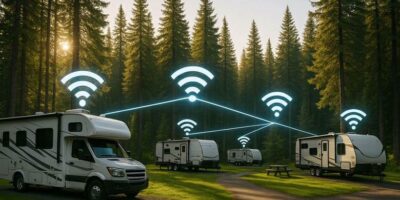
Campground RV Wi-Fi is shared by everyone in the park. During busy evenings, that means dozens, or even hundreds, of devices competing for the same internet connection. Even if the campground has quality networking equipment, limited internet bandwidth coming into the property can slow everyone’s experience.
Instead of depending entirely on campground Wi-Fi, build your own reliable connection first.
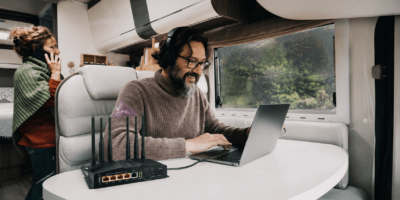
A cellular router for RV use creates your own secure, password-protected RV Wi-Fi network that only your devices use. The Easy Wi-Fi Internet Sharing feature on the Routica Explorer Wireless Gateway Routers also allows you to connect to available campground Wi-Fi while keeping your private network intact. If campground internet is usable, you can take advantage of it without constantly reconnecting every device in your RV.
Mistake 2: Sticking With One Carrier
No single carrier provides strong coverage everywhere.
Coverage can change dramatically between highways, mountain towns, forests, deserts, and national parks. If your RV internet setup depends on one carrier, you’ll eventually arrive somewhere with weak or no service.
Having multiple connectivity options gives you greater flexibility during RV travel.

The Routica Explorer II Wireless Gateway Router supports Dual SIM and eSIM functionality, allowing you to manually switch between carriers when coverage changes. Instead of being locked into a single network, you can choose the carrier that performs best for your current location.
Remember, switching between SIMs is manual, giving you complete control over which connection you want to use.
Mistake 3: Forgetting About WAN Failover
Even reliable internet connections occasionally fail.
Many RVers build their RV internet setup around a single connection and hope it never drops. Unfortunately, changing weather, network congestion, or moving between locations can interrupt service without warning.
The Routica Explorer Wireless Gateway Routers support automatic WAN failover, allowing you to prioritize multiple internet sources such as cellular, Ethernet, or Wi-Fi as WAN. If your active connection becomes unavailable, the router switches to the next configured source based on your priority settings.
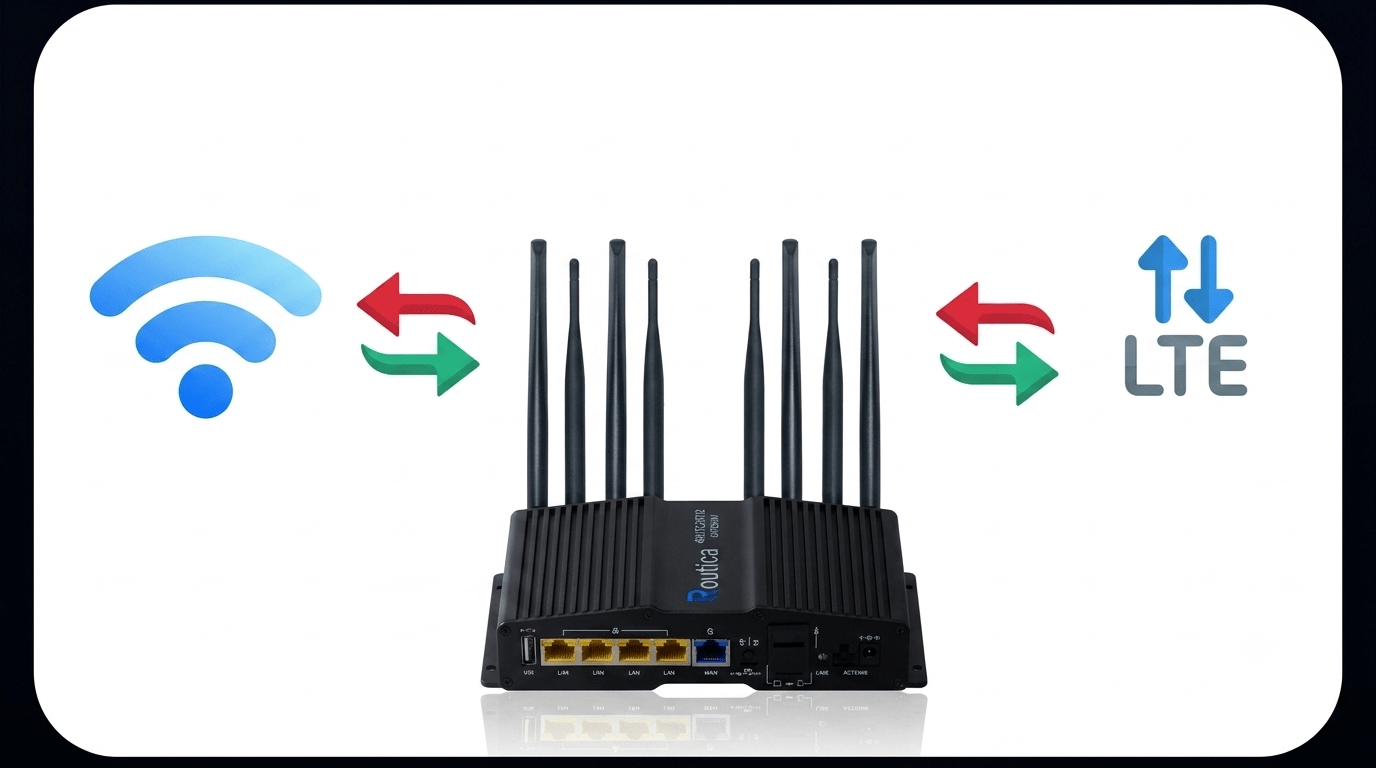
One important detail is that the router does not automatically switch back to the original connection after it returns. Choosing your WAN priorities carefully before you begin your RV travel helps ensure a smoother experience.
Mistake 4: Poor Antenna Placement
Your RV cellular gateway is only as effective as the signal it receives. Even the best RV internet setup can struggle if the router is placed in a poor location.
Large metal appliances, thick RV walls, and enclosed cabinets can weaken cellular signals before they even reach your devices. Many RVers position their router wherever it’s convenient instead of where it performs best.
For better results, place the Routica Explorer Wireless Gateway Routers near a window whenever possible and away from large metal objects. If you regularly camp in areas with weaker coverage, the external antenna ports allow you to connect compatible high-gain antennas to improve reception. Sometimes, improving placement alone can make a noticeable difference in connection quality.
Mistake 5: Not Having an Offline Backup Plan
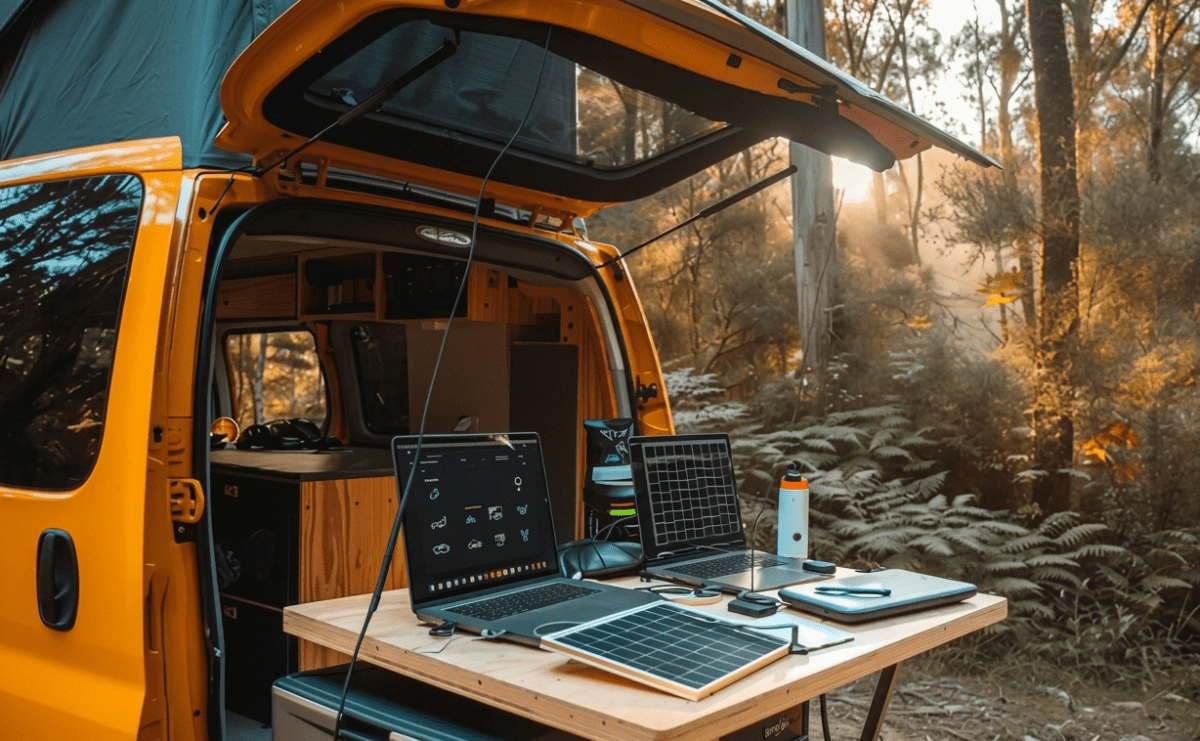
No matter how good your RV internet setup is, there will always be places where internet access is limited or unavailable. Remote campsites, mountain roads, tunnels, and national parks can all leave you without a connection.

Planning ahead means you won’t waste valuable cellular data on entertainment when coverage disappears.
The USB Media Server on the Routica Explorer Wireless Gateway Routers lets you stream compatible movies, music, and photos stored on a USB drive to devices connected to your local RV Wi-Fi network. Because the content is shared locally, no internet connection is required, making it ideal for evenings at remote campsites or rainy days inside the RV.
Summing Up
A reliable RV internet setup isn’t built around a single internet source. It’s built around preparation. Bringing your own secure RV Wi-Fi, using multiple connectivity options, configuring automatic WAN failover, placing your router correctly, and preparing for offline moments can all make RV travel more enjoyable.
The Routica Explorer Wireless Gateway Routers bring these capabilities together in one platform, helping you spend less time troubleshooting and more time enjoying the road ahead.
Shop the Routica Explorer II on Our Online Store
or
Frequently Asked Questions
Is campground Wi-Fi enough for full-time RV travel?
Usually not. Campground RV Wi-Fi is shared among all guests, so performance often drops during busy hours. Having your own RV internet setup provides a more consistent experience.
Why should I have more than one internet option?
Coverage varies between locations. Using multiple internet sources gives you flexibility when traveling through different regions and helps reduce downtime during RV travel.
What is automatic WAN failover?
Automatic WAN failover allows the Routica Explorer Wireless Gateway Routers to switch to another configured internet source if your active connection becomes unavailable. The router follows your configured WAN priority order and does not automatically switch back afterward.