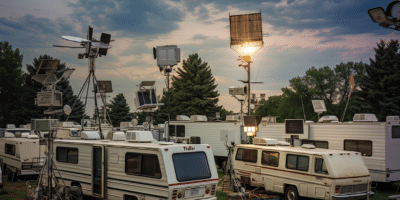


Snowbird season is almost here and thousands of RVers are preparing to head south for warmer weather. Whether you are spending the winter in Florida, Arizona, Texas, or another warm-weather destination, a long RV trip requires more than planning your route and packing your gear.
Your internet setup deserves some attention too.
A phone hotspot that works well for a short trip may be fine, but it may not be the best long-term setup for a three-month stay. When you are working remotely, streaming, navigating, connecting multiple devices, or managing your RV while away, having a dedicated connectivity setup can make internet access easier to manage throughout the season.

Here are some practical ways to prepare your RV internet before you head south.
How to Prepare Your RV Internet for a Long Trip
1. Build a Setup with More Than One Internet Option
One of the biggest challenges of RV travel is that no single internet connection works everywhere.
Cellular may work well in one location, while campground Wi-Fi or another available connection may work better somewhere else. Some RVers may also use Starlink as another internet source.
A practical approach is to have multiple WAN options available. A travel router like the Routica Explorer Wireless Gateway Router supports multiple internet sources, including:
- Cellular
- Wi-Fi as WAN
- Ethernet WAN
- USB tethering
For example, you could use cellular as your primary connection, campground Wi-Fi as another option, and connect Starlink through Ethernet WAN when available.
The advantage is flexibility. Instead of rebuilding your network every time your internet source changes, your connected devices can continue using the same Explorer Wi-Fi network.
2. Set Up Automatic WAN Failover
Having multiple connections is useful but managing them manually every time one connection becomes unreliable can be frustrating. The Routica Explorer Wireless Gateway Router’s WAN Advanced Configuration lets you assign priorities and bandwidth thresholds to different WAN interfaces.
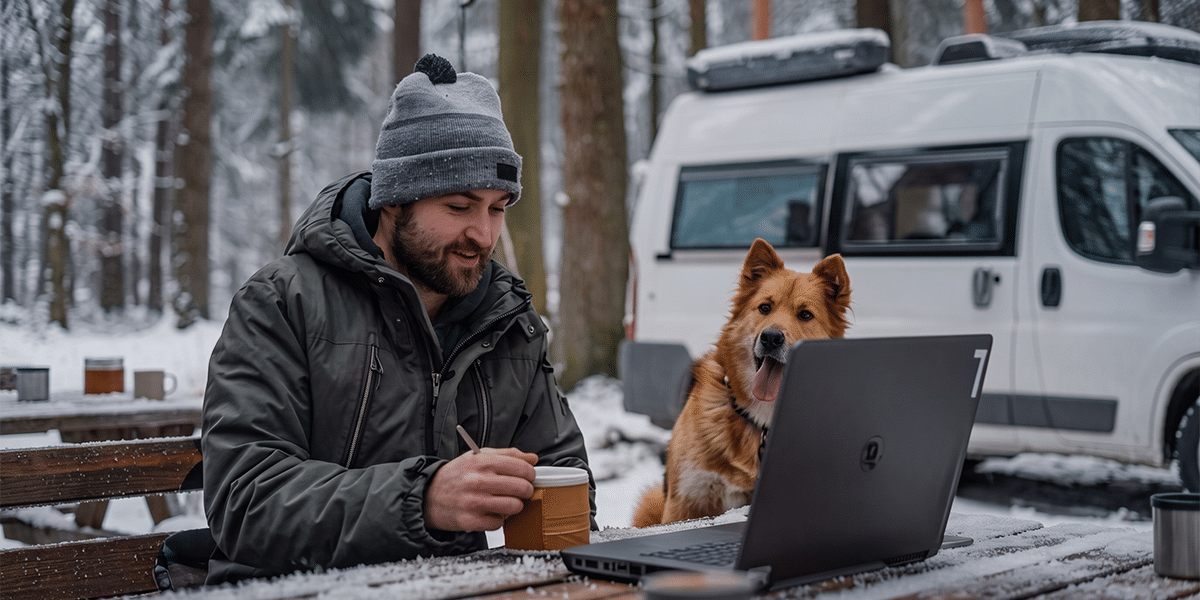
You can configure Ethernet WAN, Wi-Fi as WAN, cellular, and USB tethering with different priority levels. Depending on your settings, the Explorer can move to another available WAN connection when the current connection no longer meets its configured requirements.
For example, if your campground Wi-Fi becomes unavailable, the Routica Explorer can move to your next configured WAN connection.
Keep in mind that failover does not automatically mean the router will switch back to the higher-priority connection when it becomes available again. You can manually switch back when you want to use your preferred connection.
This gives you a way to prepare for changing connectivity conditions without constantly reconnecting every device in your RV.
3. Prepare Your Cellular Options Before You Leave
Cellular coverage can vary significantly from one location to another, so having flexibility in your cellular setup can be useful for long trips.
The Routica Explorer II Wireless Gateway Router supports two physical Nano SIM slots and eSIM profiles. This gives you flexibility to use different cellular plans as needed. You can configure SIM and eSIM options through the Routica Mobile App. For eSIMs, installation can be completed using the carrier’s QR code or the manual activation information provided by the carrier.
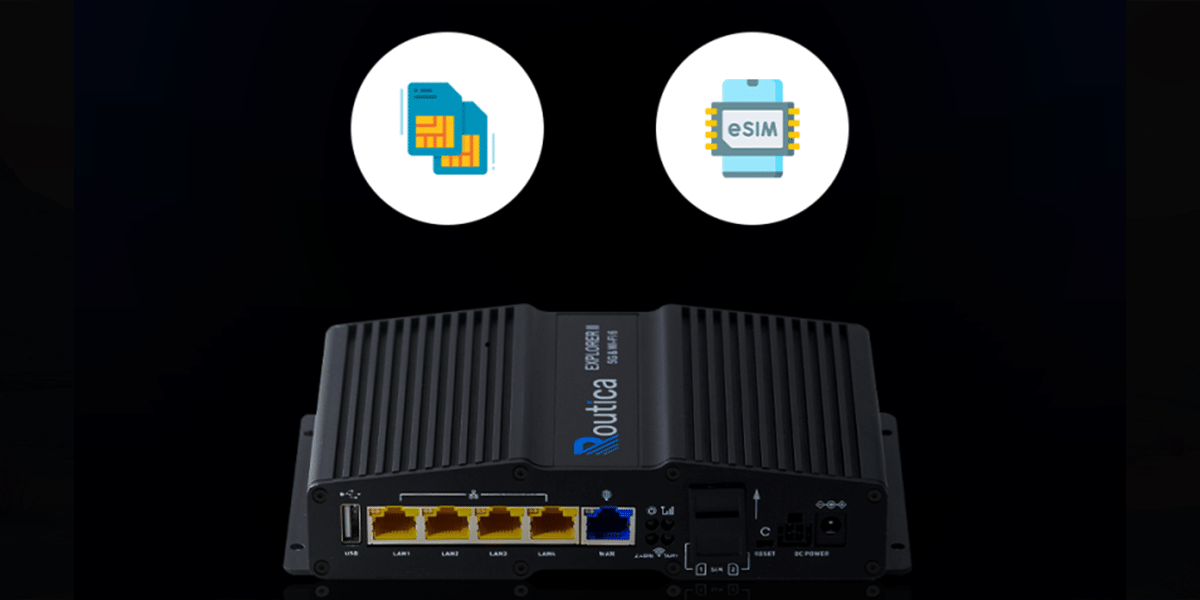
SIM and eSIM switching is a manual process, so plan ahead for the carriers or data plans you may want to use during your trip. It is also worth confirming with your carrier that your SIM and data plan are provisioned for use with the Explorer before you leave.
4. Make Campground Wi-Fi Easier to Use
Campground Wi-Fi can be useful when it is available, but connecting every device individually can quickly become inconvenient.
With Easy Wi-Fi Internet Sharing, the Explorer can connect to an external Wi-Fi network and then share that connection with the devices connected to your Explorer network.
Instead of entering a campground’s Wi-Fi credentials separately on your laptop, phone, tablet, TV, and other devices, you can connect the Explorer to the available Wi-Fi source and keep your devices connected to your usual RV network.
You can also save Wi-Fi networks for easier reconnection when previously configured networks are available.
5. Keep an Eye on Your RV While You’re Away
Snowbird trips are not always about staying inside the RV.
You may leave your campsite to explore a new town, go hiking, visit attractions, or run errands. That makes knowing where your RV is particularly useful. The Routica Explorer Wireless Gateway Router’s Sentry and Alarm feature uses the router’s tracking capabilities to monitor movement. When tracking and the required alarm settings are enabled, Sentry can notify you through the Routica Mobile App if movement is detected while you are away.
Because these notifications rely on the Explorer having an active internet connection, make sure the router has a working connection before relying on Sentry notifications.
6. Share Your Journey with Family and Friends
A long winter trip is also something worth sharing.
Routica’s Trip Sharing features let you share location and journey information with others through the Routica Mobile App. Depending on the feature being used, you can share real-time location updates along with photos and videos.
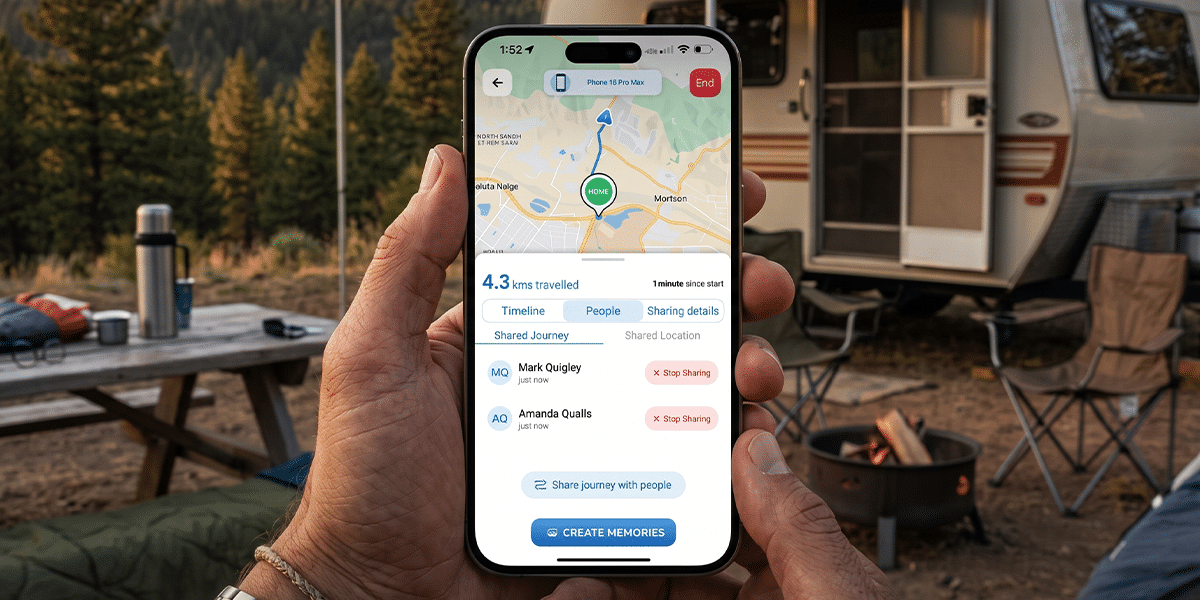
This can be useful when family members want to follow your journey or when you want to share your route with friends traveling separately.
7. Use a VPN When You Need an Added Layer of Privacy
If you regularly connect through campground or public Wi-Fi, you may also want to consider using a VPN.
The Explorer supports router-level VPN configurations using WireGuard and OpenVPN, allowing connected devices to route their internet traffic through a VPN without requiring a separate VPN application on every device.
This can be particularly convenient when several devices in your RV need to use the VPN connection. You will need an account with a compatible third-party VPN provider and the appropriate configuration information to set it up on the Explorer.
8. Take Your Entertainment Offline
Long-distance RV travel can include stretches where cellular connectivity is limited or unavailable.
That does not mean your entertainment has to stop.
The Routica Explorer Wireless Gateway Router’s built-in Media Server lets you connect a USB drive containing preloaded photos, music, and video and access that content from compatible devices connected to your local Explorer network.
You can watch stored movies or shows without needing an active internet connection or using cellular data for streaming. It is a simple option for keeping everyone entertained during travel days or evenings at the campsite.
Prepare Your RV Internet Before You Hit the Road
A successful snowbird trip involves more than choosing a destination. Your connectivity needs can change as you move from one campground to another, and having multiple ways to get online can make those changes easier to manage.
A practical RV connectivity setup may include:
- Cellular connectivity
- Campground Wi-Fi through Wi-Fi as WAN
- Ethernet WAN for connections such as Starlink
- Starlink through Wi-Fi as WAN
- USB tethering as another backup option
- Automatic WAN failover
- Multiple cellular SIM/eSIM options
- Sentry and Alarm for RV movement alerts
- Trip Sharing for keeping family and friends updated
- VPN support for connected devices
- Local entertainment through the Media Server
With the right setup, you can spend less time troubleshooting your internet connection and more time enjoying the journey.
Summing Up
Snowbird season rewards preparation. The travelers who build a layered internet setup before they leave, configure their failover priorities, and have a backup carrier ready will have a smoother winter than those who figure it out at the campsite.
Ready to build a setup that lasts the full season?
- Shop the Routica Explorer on Our Online Store
- Buy the Routica Explorer II Wireless 5G Gateway Router on Amazon
FAQs
What internet setup do I need for snowbird season?
A layered setup works best: a dedicated cellular router for RV use as your primary connection, campground Wi-Fi as a secondary source via Easy Wi-Fi Internet Sharing, and Starlink through the Ethernet WAN port for off-grid gaps. The Routica Explorer Wireless Gateway Routers manage all three automatically based on your configured priorities.
Does the Routica Explorer II support multiple carriers for long trips?
Yes. The Routica Explorer II Wireless Gateway Router supports dual physical SIM cards plus eSIM for up to three carrier configurations, with manual switching between them when one carrier has weak coverage at your location.
What happens when my router fails over to a backup connection?
The Routica Explorer Wireless Gateway Routers automatically move to your next configured WAN priority when the active connection drops below your set threshold. Once it fails over, it stays on that connection until you manually switch back.